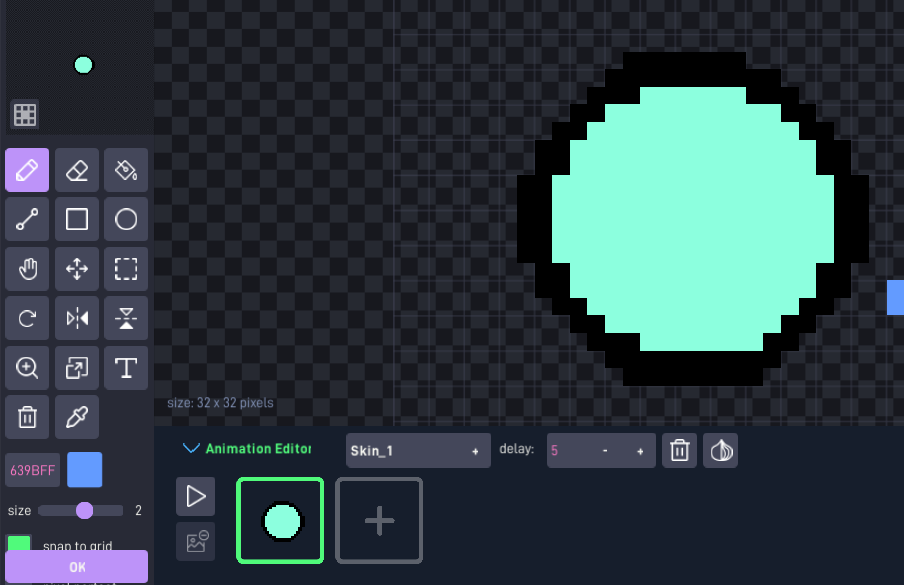
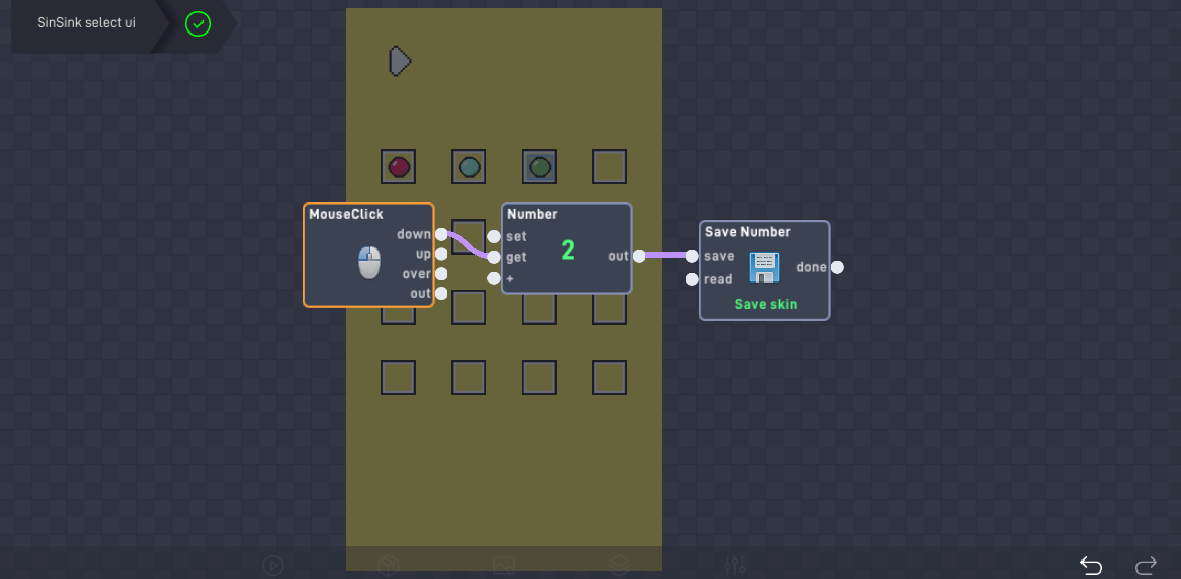
Im trying to add a character coulour customization feature where you select a colour from a ‘skin select’ level, then once you load into level 1 the player will have that animation of that colour, is there a way to do this?
https://flowlab.io/game/edit/2886067
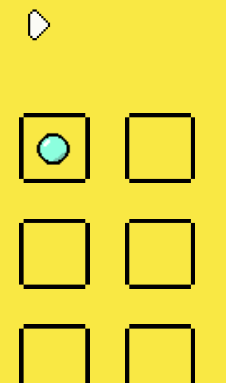
1 Like
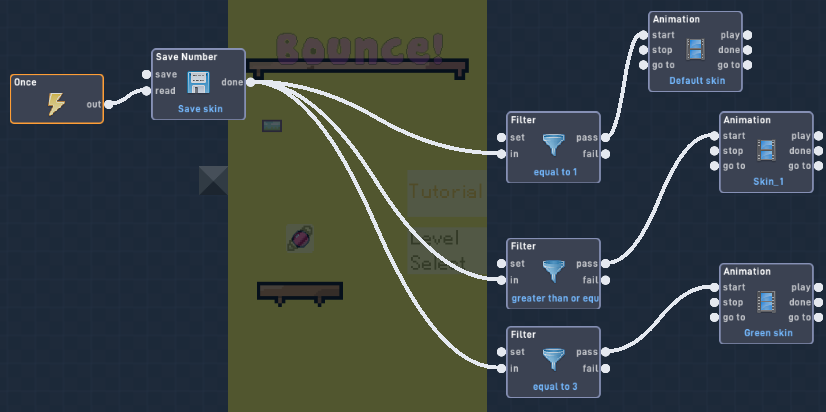
You can assign a different number to each color, and input that into a save behavior. Then every time a level is loaded, have the behaviors fetch the number from the save behavior, and use a router or a bunch of filters to enable different switches that correspond to animations.
3 Likes
This works (no problem)
and I’m just curious: In what situation do you want your anims to carry over? (ig maybe for polish?)
I have tried to add what you have said but it doesn’t seem to work pls help
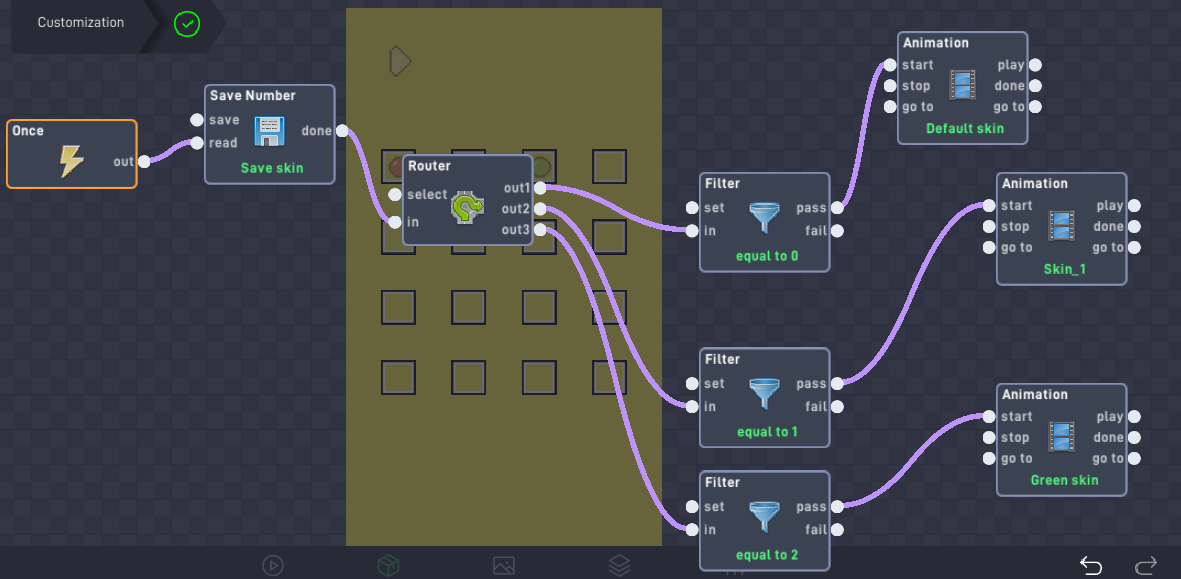
the code for the player
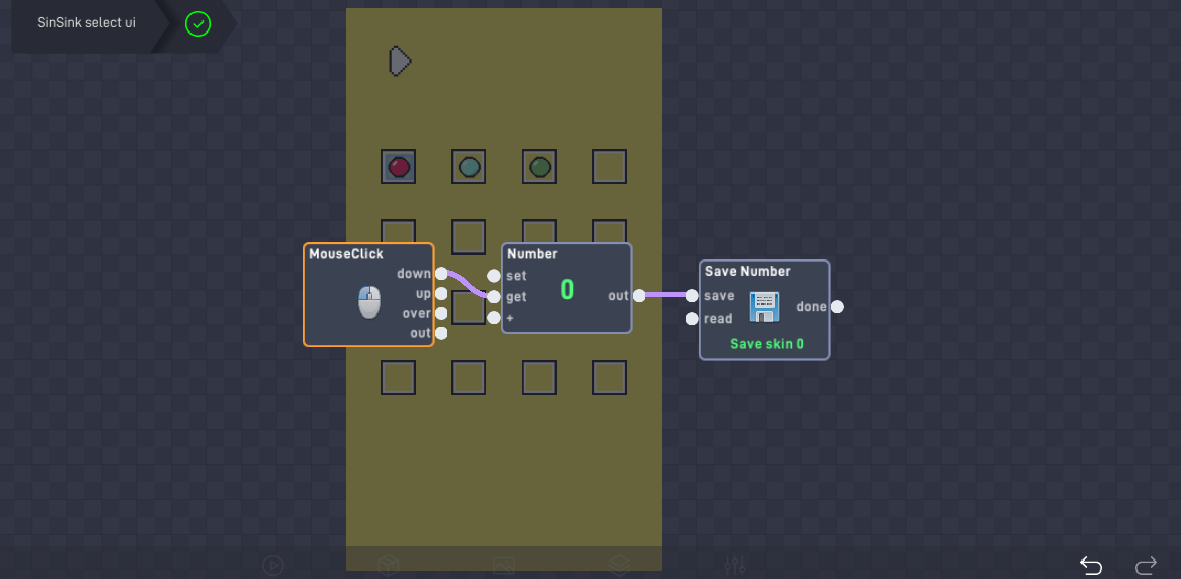
the code for default red ball colour (in ui)
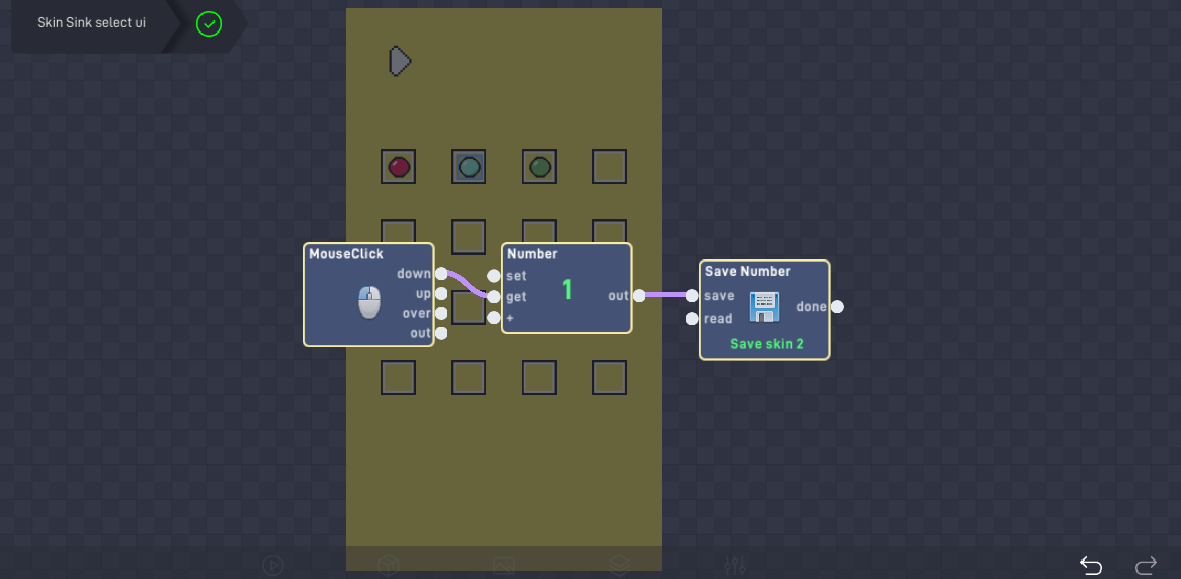
cyan:
green
am i doing something wrong? @EpikBoxxy @grazer
Yo I just checked more into the code of this. There are some things I want to point out.
First off, the router was unnecessary, the save number just needed to connect to all 3 filters
Second, the name for the saves have to be the exact same in order for them to go through.
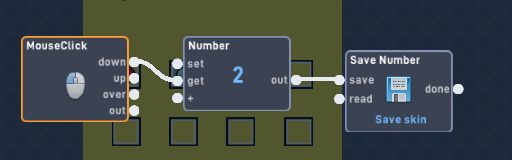
(Now, the screenshot is on the cyan color, but the name for the save number has to apply to all three)
This is perfect unless you don’t want the selected color to save when you close the game
If you don’t want that, use globals instead!!!1!!!
2 Likes
It works! whoop whoop, thanks for your help
1 Like
i said router or filters, routers is easier but i guess the OP didnt see the or and combined them.
Also, future readers, if you do use routers, make sure that your output of the save file is connected to both the select and the in
1 Like