I also post on discord whenever a new challenge is added, the best way to get notified on the forums is click the bell icon and make sure to select the " ! " icon on the bell on this post.
I also post on discord whenever a new challenge is added, the best way to get notified on the forums is click the bell icon and make sure to select the " ! " icon on the bell on this post.
Time to show my answers for the last challenge, I made one with and without lists. We got some good answers, some are close, if not better, than the answer I had for this challenge. Good work!
April 8th, 2024
Difficulty: Beginner
(Calendar & Rules)
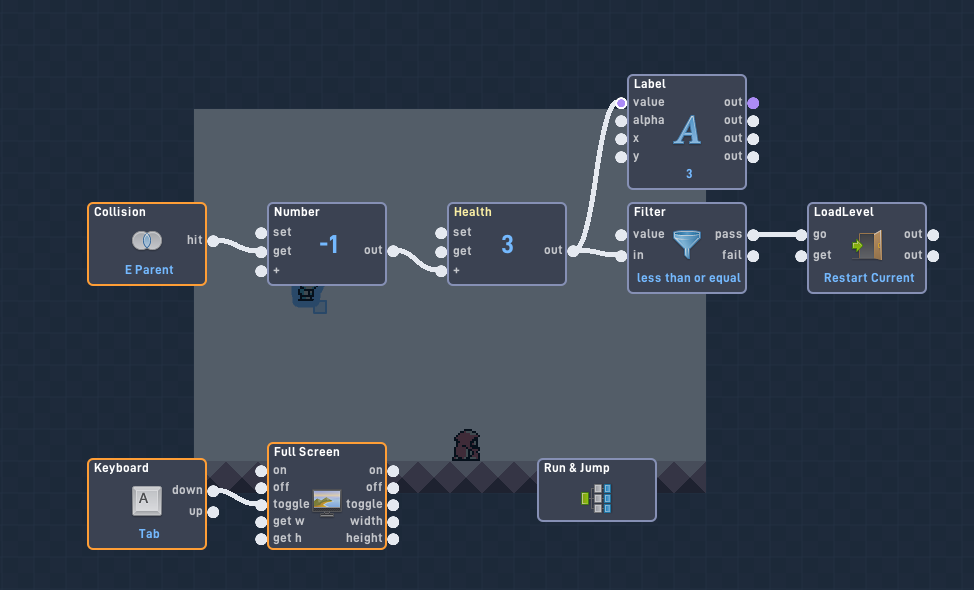
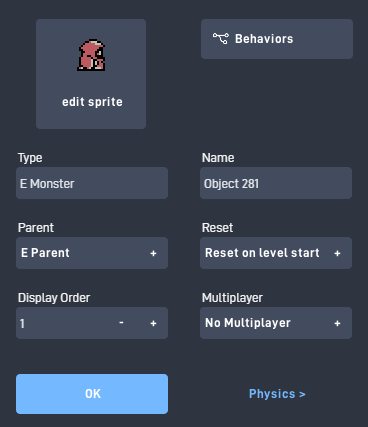
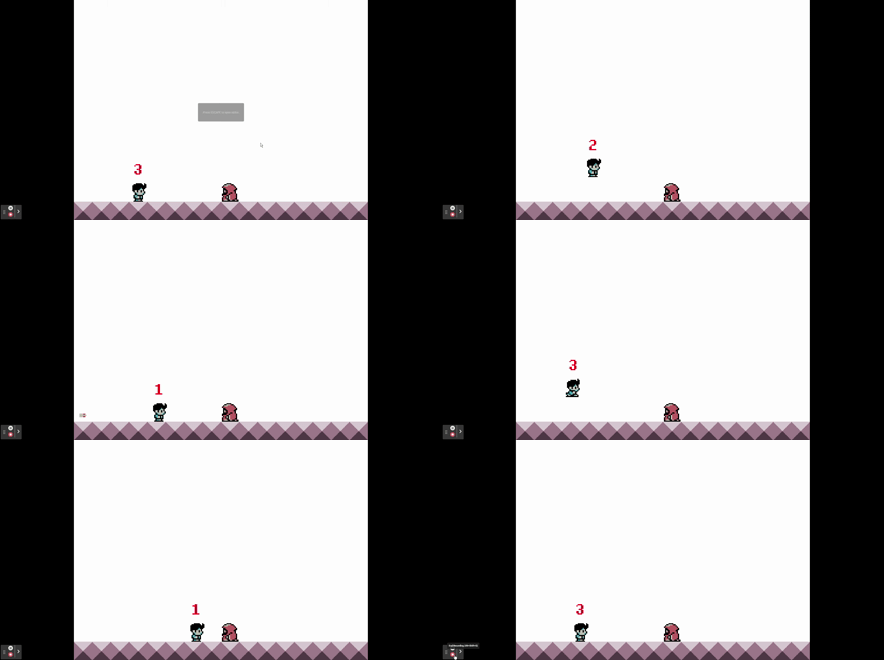
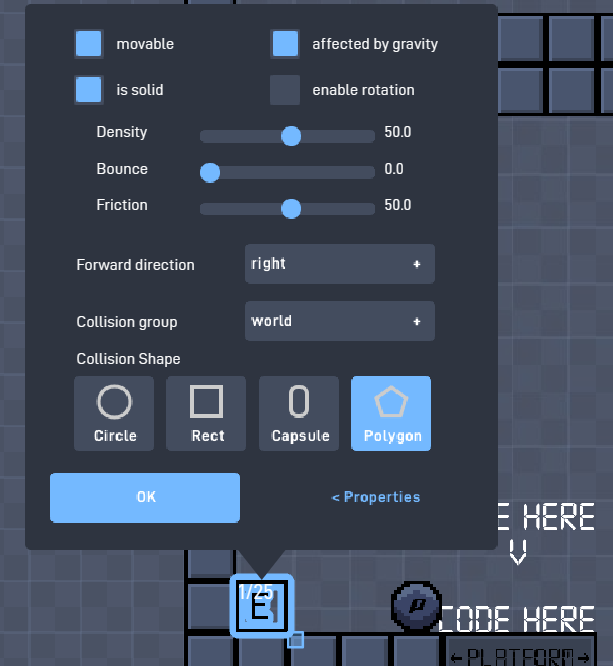
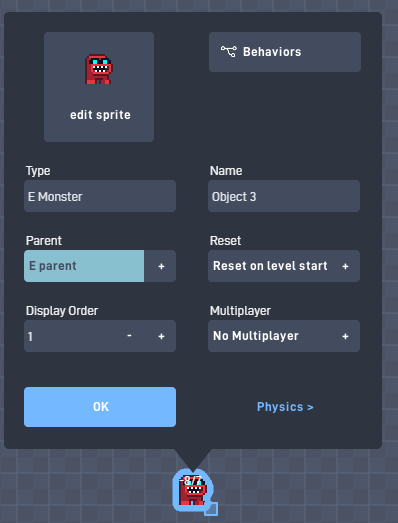
Share a pair of screenshot on how you would handle reducing the player health from colliding with objects with the names “E Monster, E Bullet, E Slash, and E Parent”. Show one screenshot of the code to reduce the players health, and a screenshot of the objects properties for just “E Monster” (the option where you can change the objects type and name).
The players health is 3 and you will reduce the health by -1 with collision and then restart current level.
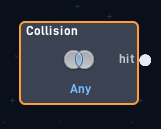
Why do we need to showcase 4 objects that can collide with the player to reduce health? Isn’t it enough to just demonstrate the collision with just “E monster?”
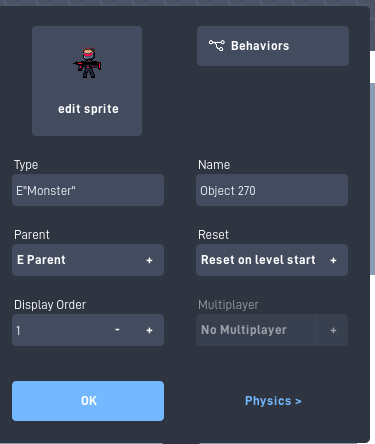
Because there is a technique that I’m expecting in the answer. Any collision with these objects can hurt the player and it needs to be shown in the player code.
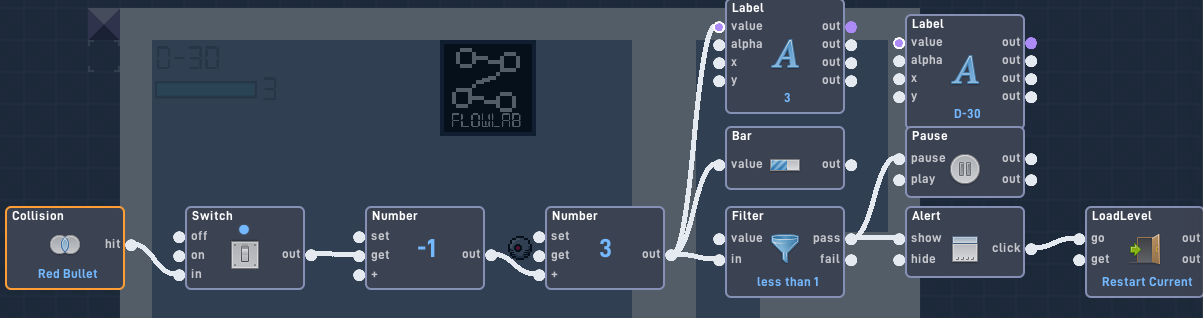
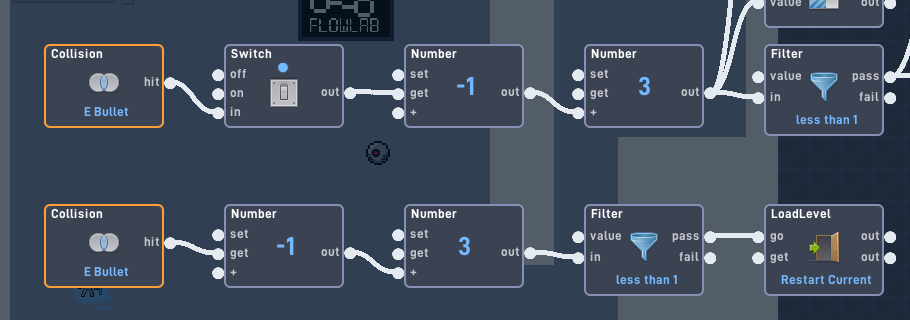
The collision is only set to the bullet.
sorry, all object i use is on the galaxy war so i forgot to change it, let me fix it
I mean the collision is still set to bullet. The collision wont be able to see the other E objects.
Not actually understand, explain more pls
The screenshots you sent only shows the collision working with “E bullet”.
Ok, wait for minutes to let me fix the animation, btw, how to sent a gif to let me shows it to you
I don’t think you understand, the player needs to have collision for all 4 E object types.
E Monster, E Bullet, E Slash, and E Parent
Instead of having 4 collisions behaviors, what can you do to detect all 4 objects but only use 1 collision behavior?
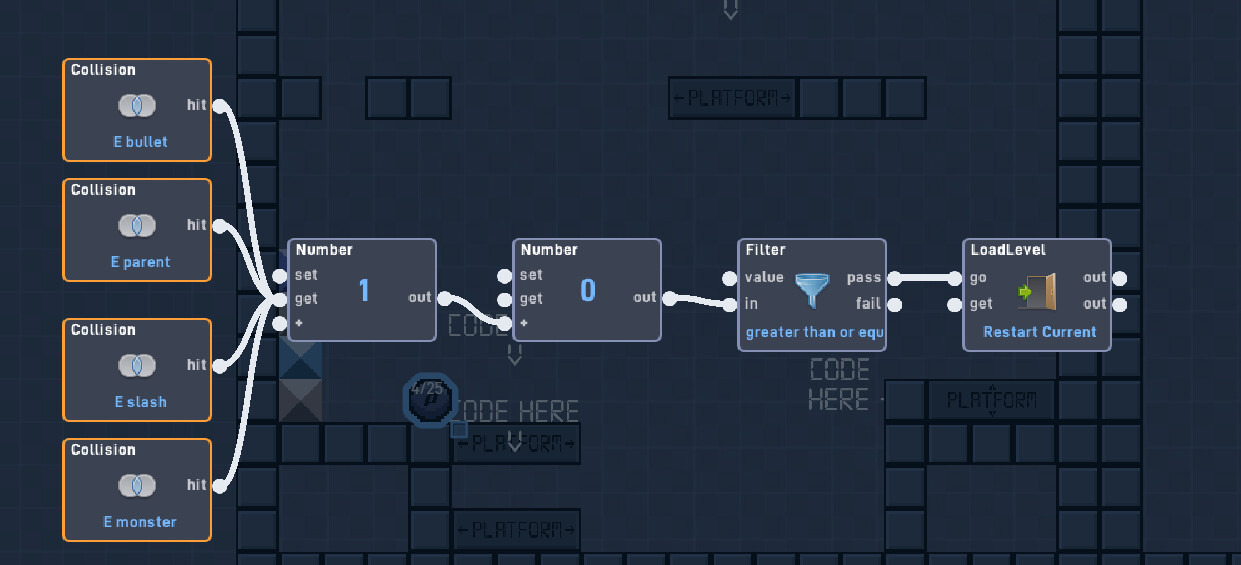
Player HP code:
I’ve made dozens of HP systems like this before. Most of the time, I use addition for the HP instead of subtraction so I can display the HP number.
EDIT: If the E parent object is the parent of all of the “E” objects, then that is the only collision trigger needed.
E Monster code:
Ok, I fixed it.
Close but there is a couple of things.
I think so, well, let others show their work, they may do it better.
Well y’all were close, but the answer to the challenge was using a parent to detect collision of all E type objects. When you set the parent of an object, the parents code and collision is transfered to the child objects. So if you set “E Monster", “E Bullet”, and “E Slash” with the parent “E Parent”, you only need the collision for “E parent” to see the collisions of all 4 objects. @BradenS got this correct.