 Sunday Devlog 5: Update C!
The long awaited update is finally complete! There’s a lot to go over, so let’s start with an update summary and then talk about what happened this week.
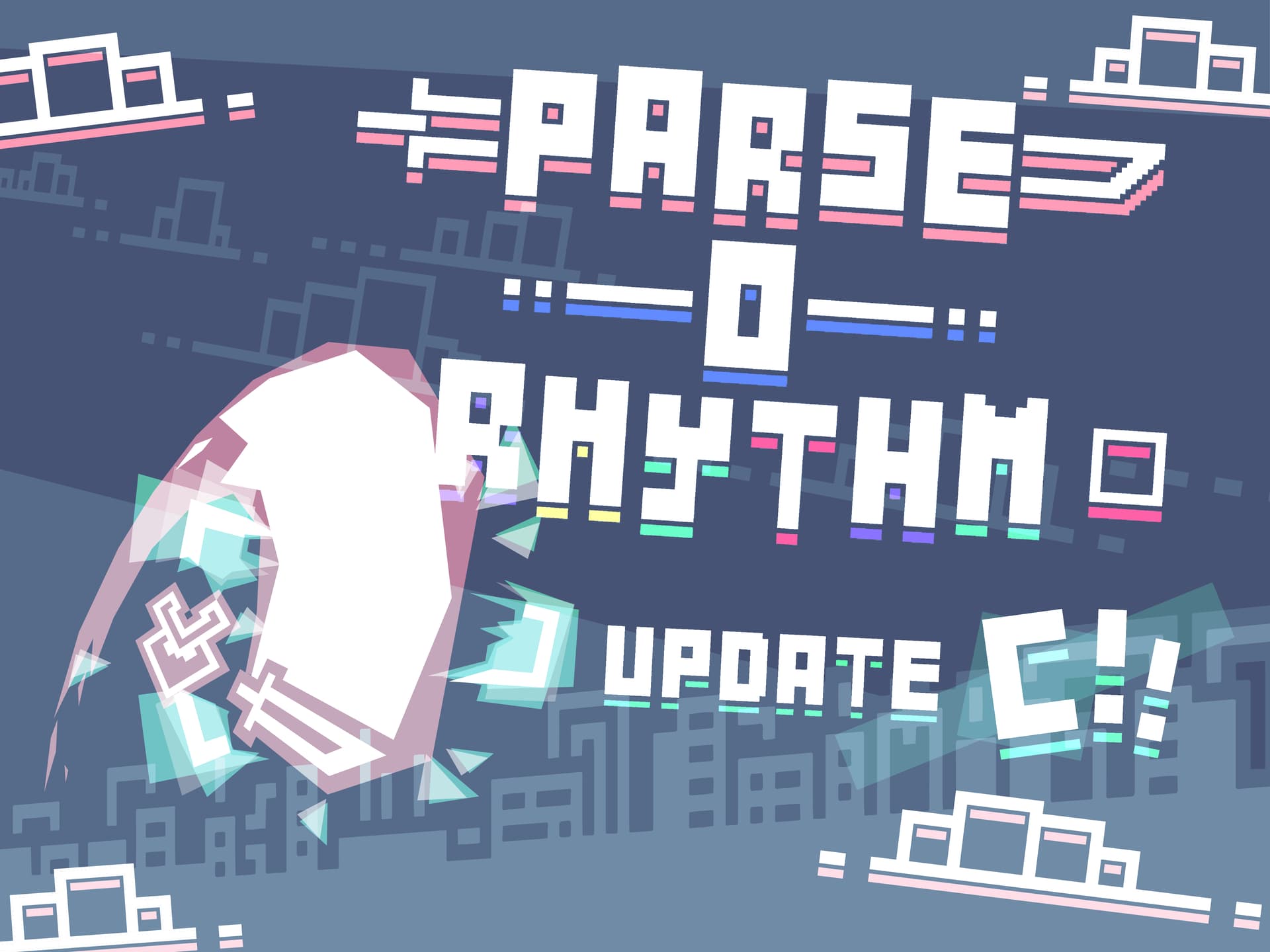
Parse-O-Rhythm Update C
User Interface
-
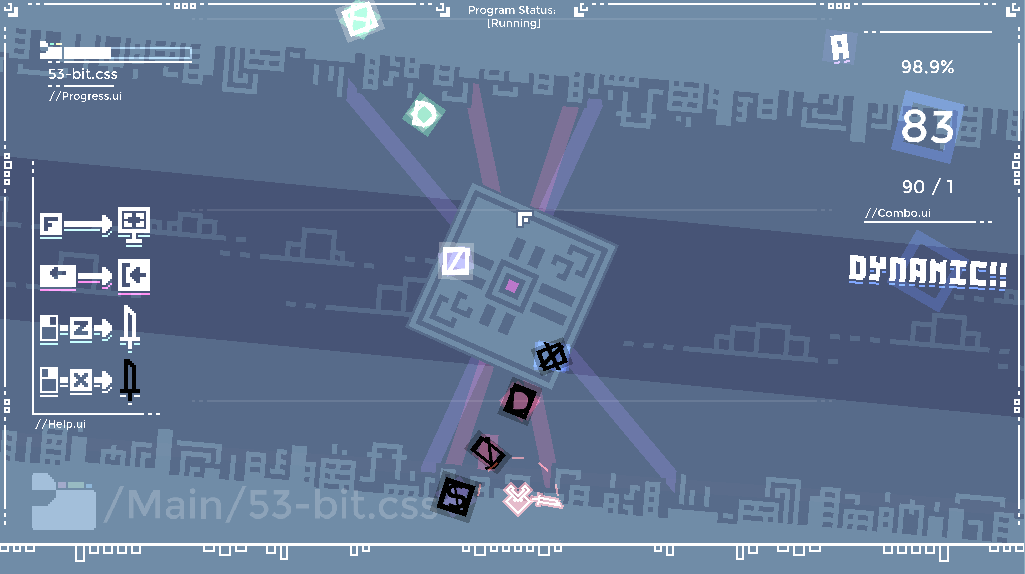
 The combo counter has been overhauled and features a number that “dances” to the music. As your combo score gets higher, you go up in “combo ranks” which makes the number larger. There is also a “Perfect” combo rank for if your combo is 100 or higher and you have no misses yet.
 -
 As your combo rank improves, there is now complimentary text underneath the combo UI that says things like “Great! Rhythmic!! Perfect!!!” Depending on your scores.
 -
 The small “button manual” UI to the left has been adjusted and is now readable regardless of language, and it also blends better with the game.
 -
 In the top left of the corner, there is now a progress bar that shows how far along the song you are, in addition to the song title.
 -
 Next to the combo UI, there is now a small letter that shows what your final rank currently is.
 -
 There is now a button in the results screen that restarts the song instead of sending you back to the main menu.
Gameplay
 If you swing your sword, don’t hit anything, and there isn’t anything too close to the sword, a miss is no longer counted. This means you can now freely swing your sword in the tutorial and between sections of notes with no penalties at all.
Visuals
-
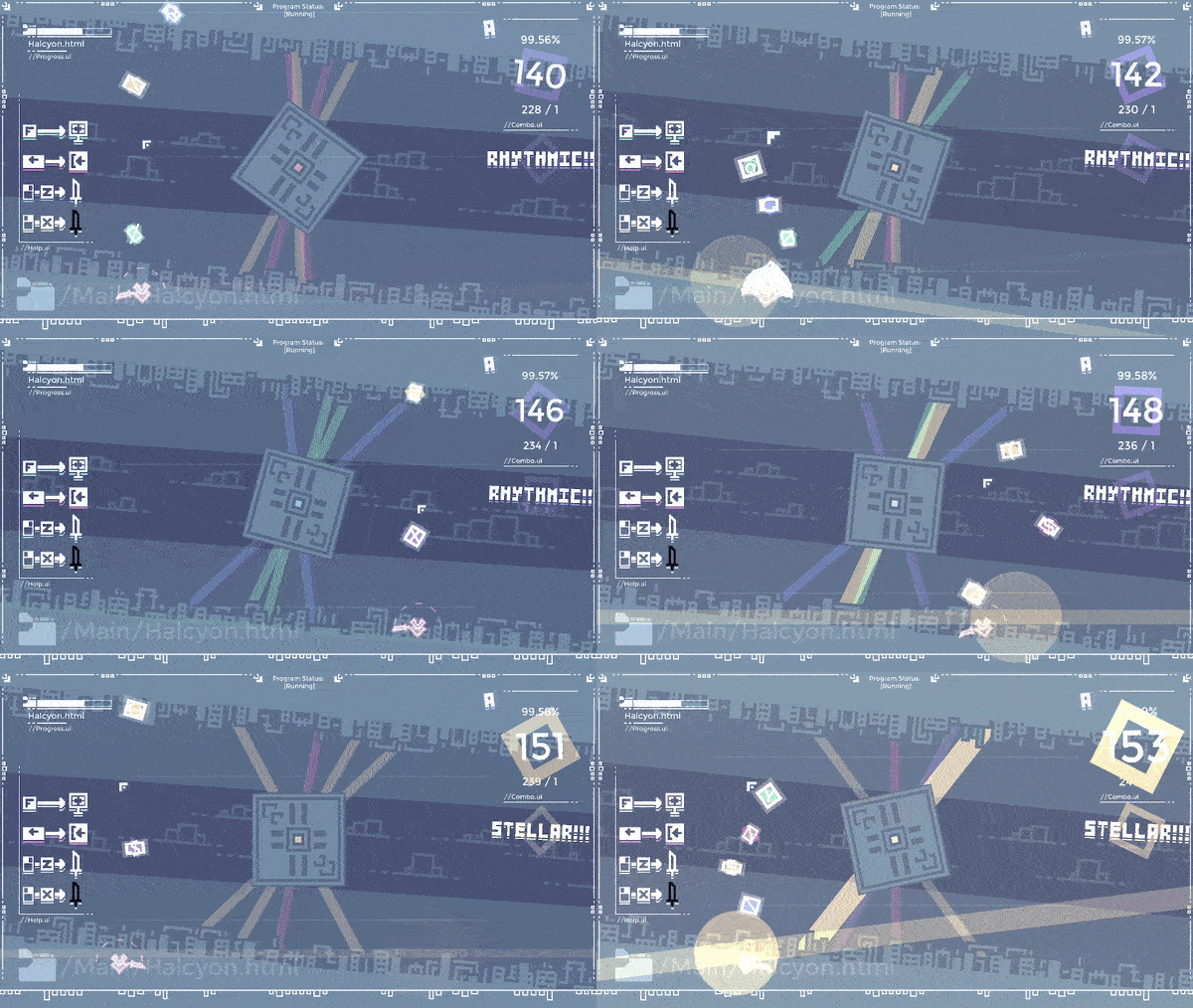
 There is now an endlessly scrolling background that is set to different speeds depending on the “difficulty” of the song. The “cityscape” on the top and bottom move in opposite directions, and the clouds in the middle move at a slower pace. The background is also accompanied with a rotating disc, and laser lights behind it that flash the respective colors of notes that you destroy.
 -
 The game now switches between two “energy levels” depending on where you are in a song. The energy level affects how strong visual effects are (mostly the background), so that the game reacts better to the song as it plays.
 -
 There’s a brand new thumbnail for the game’s web version! (Shown at the top of this entry)
Accessibility
-
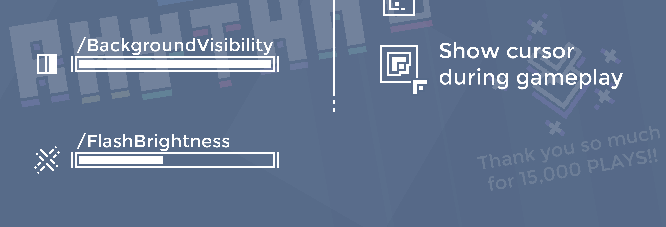
 There is now a slider that controls how visible the background is. Dragging it will cause the background to be more “muted” towards the base blueish background color. If you prefer the background to be less prominent or don’t want one at all, here’s your solution!
 -
 There are two new toggleable buttons in the settings menu - one that toggles the help menu on the left on and off, and one that toggles the mouse’s visibility during gameplay. I’ve noticed that the mouse being invisible during gameplay can help add to the feeling that you’re really piloting the AI with the cursor, but not everyone will like this change, so it’s a setting you can toggle!
The following issues have been fixed:
- Pressing “s” to start a track worked before the scene fully loaded in
- In the options menu, you could still select the buttons that are covered up by the menu in the main menu (for example hitting “/files” while the options menu is open)
- Numerous links weren’t working due to issues with the URL behavior
- Adjusting bars in settings produced audio issues
- If you toggled fullscreen on or off during gameplay, it wouldn’t save for when you left the level.
Additionally
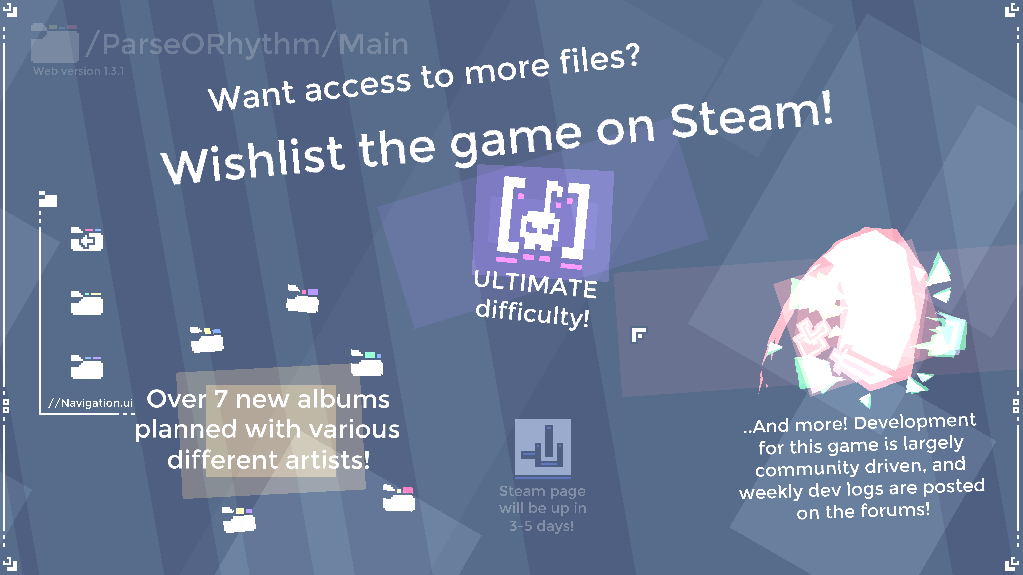
There is now a promo screen for the steam version in the game! The storepage is currently in review, so the button to go there hasn’t been enabled quite yet.
Update conclusion
This massive update concludes updates for the web version. All energy and effort will now be put into developing the full version for Steam! Maintenance updates may still happen, but no major features will be delivered to the web version anymore.
 Update log ends here!
Not all, but most of these features have already been discussed in previous dev logs. So let’s take a look at what else has been going on!
Uploading the game
Last week, I entered this week with the prospect I was going to be able to submit the game for review by the end of the week, maybe even launch it. This was because Steam’s developer interface stated that a review of a game build would take 2-3 business days. So, going into the week, I got to work finishing up the final update for the web version and bug testing the demo to make sure it worked.
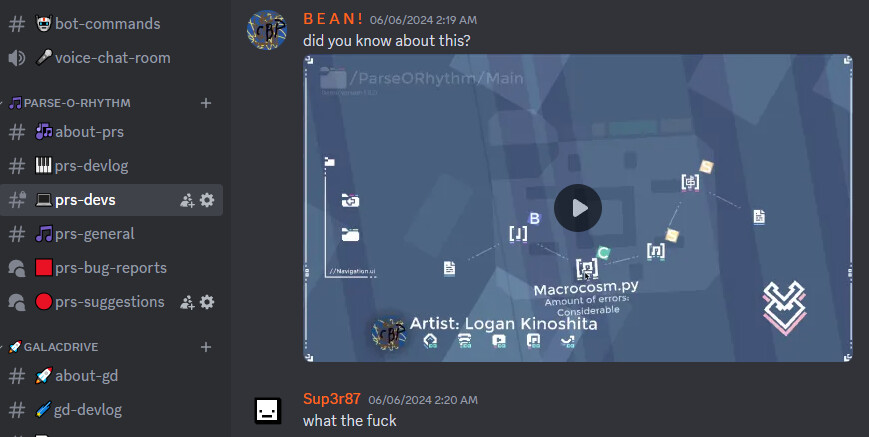
However, things went wrong quickly. There were a few bugs that had slipped through the cracks, one of which allowed you to get a 100% on a track by playing it, hitting a note and leaving. Thankfully, nobody playing the web version knew that a massive hole had been ripped in the scoring system before I fixed it.
WHyyyyyyyyyyy
Second, to upload a game to Steam, you don’t simply drag and drop. No, you use an entire thing called an “SDK”. I honestly don’t know what it means, but you drag your game’s files into part of it, go to another part of it, open up a weird window that looks like it’s from the 1990s and enter a bunch of information that has to perfectly match with the store page. On top of making sure things lined up, I also had issues with entering my own account information, making it even more cumbersome.
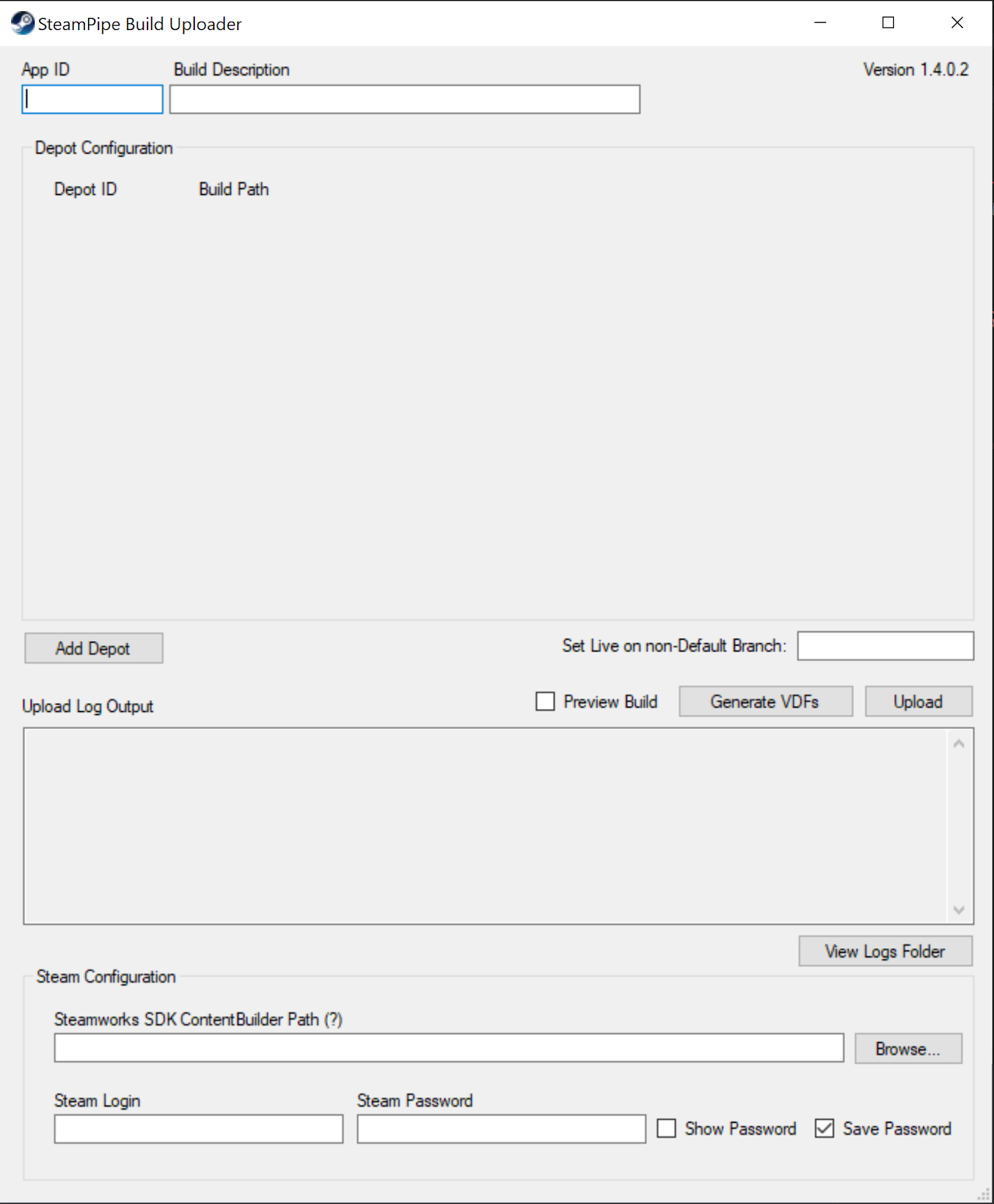
This is one of the user interfaces ever.
Eventually, after waiting 30 minutes for a cooldown, I finally managed to get the demo into steam at a glorious 4:30 AM.

Yay!
I then filled out a bunch of information about the game on the developer interface, made sure there were no error messages, and got ready to submit the game build to Steam for review. When I saw this:
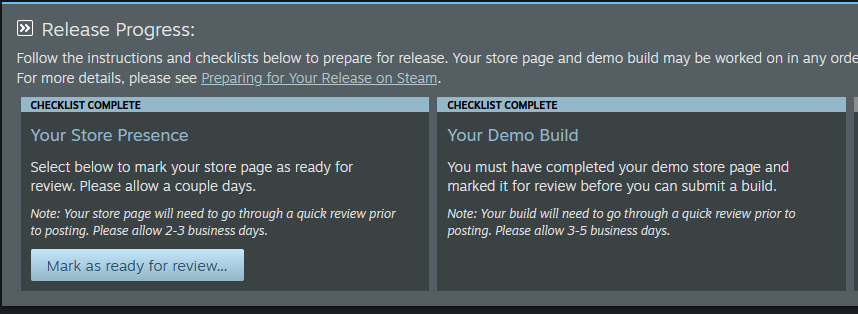
It turned out that I had to submit the store page for review first. Something I hadn’t even started yet. Sooo, yeah…
In conclusion, despite an insane push to get things done that lasted until the sun was literally shining through my window, I was not able to obtain any hope of the game getting a Steam page by the end of this week. But it’s not all doom and gloom, because with this task out of the way, the most complicated and annoying part of uploading a Steam game had been completed. All I needed was to make the store page.
Making promotional assets
For the next few days, knowing I wasn’t under a deadline (for a bit), I got to work on promotional assets for the game. The idea is that you make a bunch of pictures and pieces, and then when you need them for something, you can just drag them all together in any shape or size.
For example, a Steam game requires you to upload many different images, for showcase in the games library, store, games list, and more. If you have a collection of a logo, some elements and a background, you can just copy and paste these to any image size you like and then throw them all in!
Making all of the promotional assets took a decent chunk of time, but it will definitely pay off in the form of an awesome looking store page, so I’m not complaining  . The single thing that took the most time was definitely the player swinging their sword to destroy an error - it took a lot of adjusting before I felt like it was good to go. It looks like a complex art piece, but I can assure you that it was really just a bunch of simple steps chained together (like using a circle in the background to make the sword slash, then using the skew tool to add perspective and make it look like the sword is going forward).

The more I use vector art programs the better I get at them
–
Anyway, that’s it for this week’s dev log. I have to make the steam page for the game tonight if I want the game demo and store page to be on steam before the end of the week, so it’s back to the grind I go. Thanks for reading as always!
-Encabulated Games