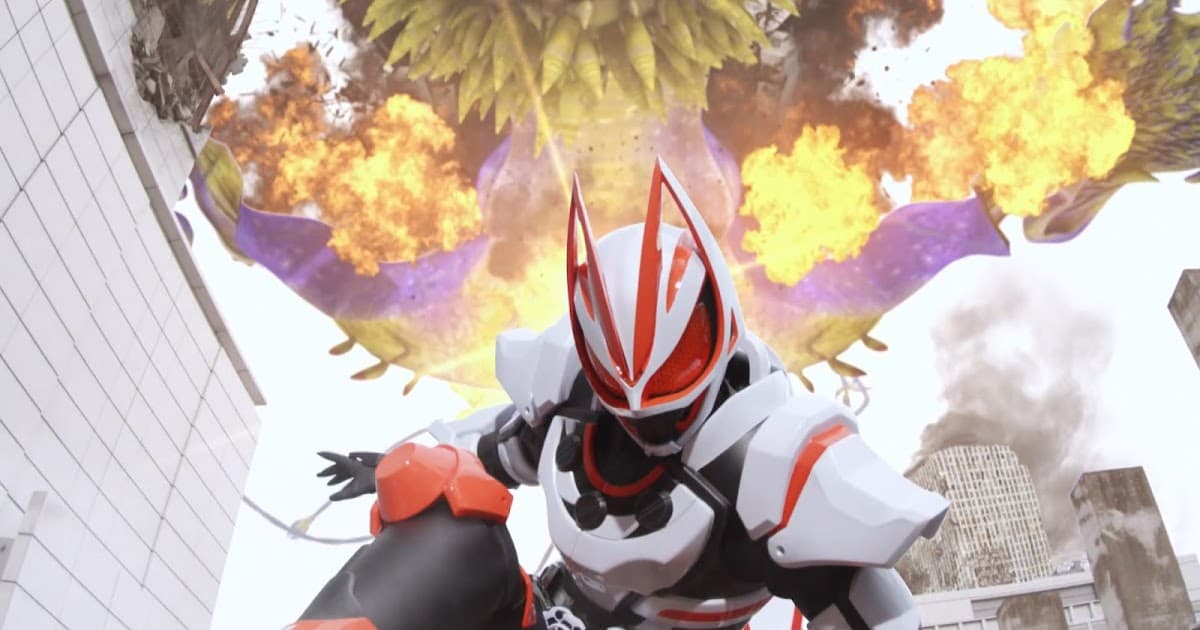













If I could screenshot my Halo Infinite skin, it could easily go hard.
Press the Xbox button then the Y button. Or if you’re on PC, you can press Windows+Printscreen.
Yes, but I still don’t know how to save it.
You can open all your captures from the same menu. If you have a computer with the Xbox app installed on it, you can sign-in to the app with the same Microsoft account your computer uses to access all of your Xbox’s recorded game clips and screenshots. If the computer is Windows and you have an Xbox account using the same Microsoft password/account as it, then you will be signed-in to the Xbox app automatically and all you have to do is open it.
Back up your game clips | Xbox Support
If this still doesn’t help, try clicking that official support link. To clarify, the menu that pops up when you press the Xbox button on your controller has a section with your most recent screenshots and game clips that you can view without even leaving your game. If you want to see all of your clips and screenshots though, it will open a separate application to do so; however your game will still be running in the background.
Oh, yeah. I haven’t installed that to my new gaming PC yet.
If the PC is Windows 10 or 11, it’s installed by default.
That is strange. My PC is windows 11 and… Oh, never mind. Thanks for the information.
Is that your picture or one you found on the internet. Also, why do you use it so much?
It’s a Cyberpunk Edgerunners meme I found on the internet. I use it a lot because I like it; also, it fits this topic because it goes hard.
…Wow…that goes hard…
(No it doesn’t, XD).

My honest reaction to that information:

… So, you’re angry? By the way, is Goku an anime?