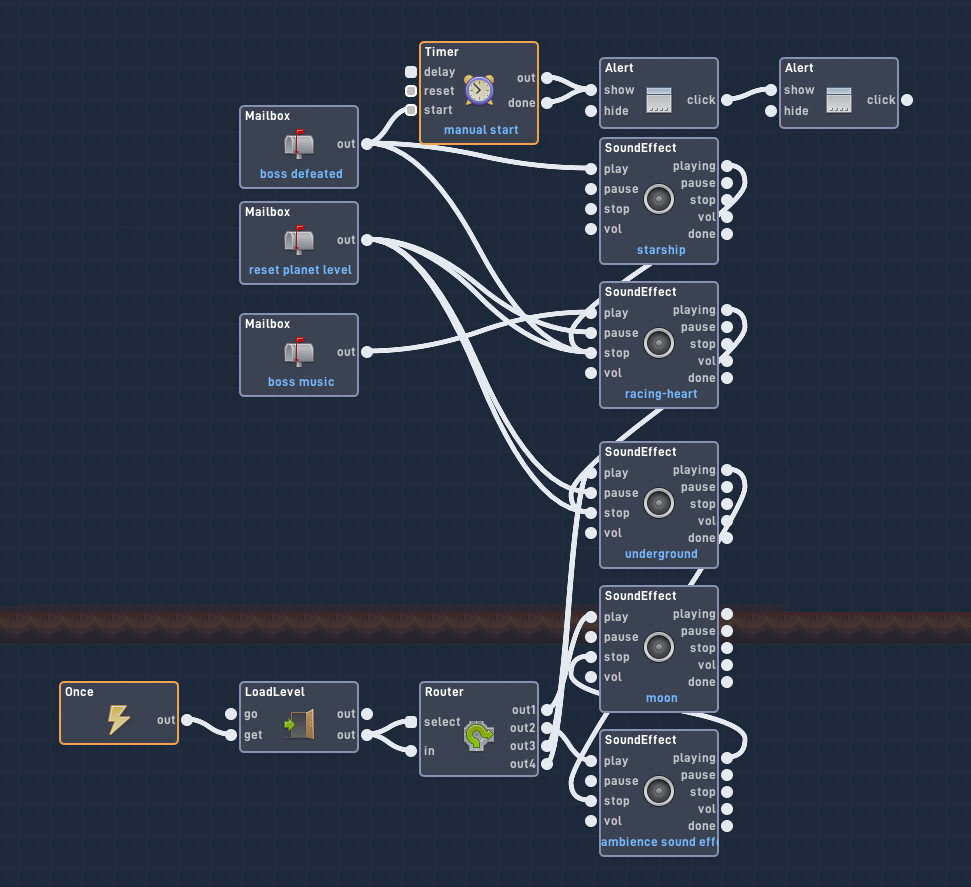
I know there’s so many people who asked this same question, but I tried using that advice and nothing’s working. This is the code I currently have in the player sprite (music bundle) for the music. It works with the messages for the boss, but not with any other level.
just make different music blocks for each level or make the block destroy and start boss music
1 Like
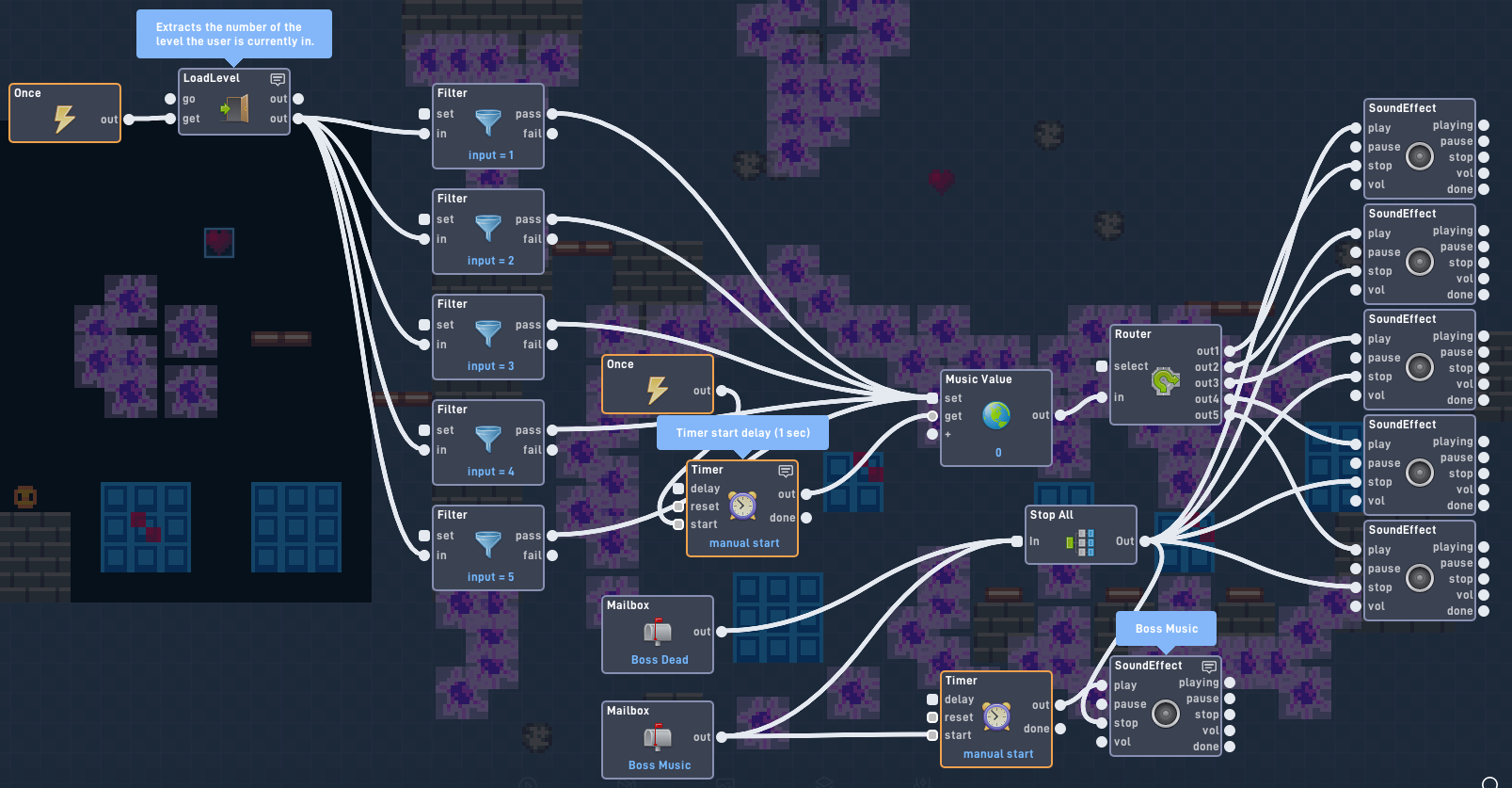
No offense but we free users hate using separate blocks for music, we do only have 50 objects to handle. So for this system I would suggest Is to use a global system with each output number of the global system giving a different soundtrack, stopping all soundtrack before the new one starts.
2 Likes
that’s crazy dude! and I know what its like being a free user.
1 Like
Whoops I realize my mistake, I added a “We” Before free users… Sorry if that offended you… Cause we were all there at one point…
1 Like
just use a router
1 Like
also if you tips on how to converse stuff without indie you can like, ask idk <:
1 Like
If you have a block to spare you could do this
-make the block keep between levels
-if each level is different then use one of the blocks to send a message to the keep between levels block to play the song for that level
1 Like
Realized I could have just fed level get to the global set.
1 Like
What’s inside the bundle? @Test_Games
I tried doing this without the bundle and the music still has the same issue
EDIT: I think it might be because of the “once” block only triggering when the game starts. Are there any other blocks I can use?
The bundle is just a filter to make the code look more advanced. It’s just an input connected to an output. The output set to number.
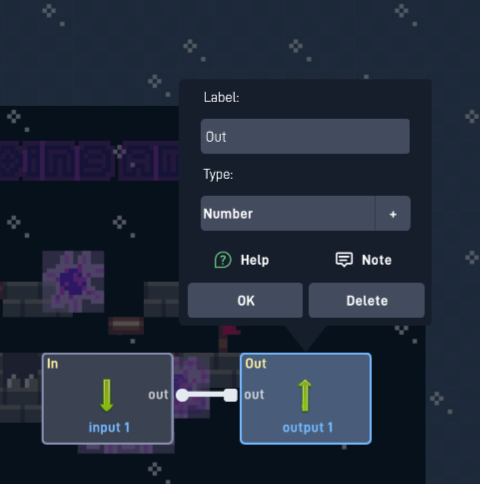
Note that you can also connect to the bundle for future inputs to stop the music.
1 Like
Well I just realized you should put a once block into the all off bundle input. This will help so that all songs overlap the levels.
1 Like
It’s alright, i found a way to fix it using collision blocks to start and stop sounds