Hello everyone!
While working on a new game recently, I encountered some buggy behavior involving the sound behavior.
You can see it in the short video I recorded here:
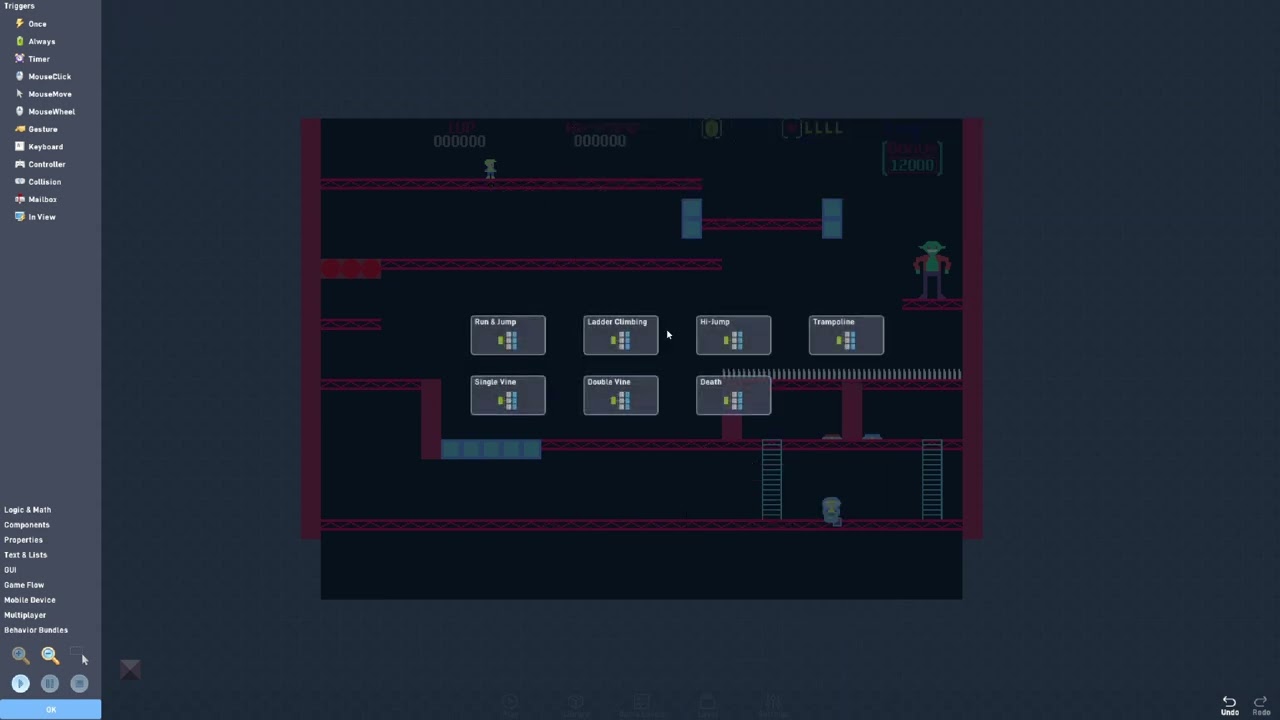
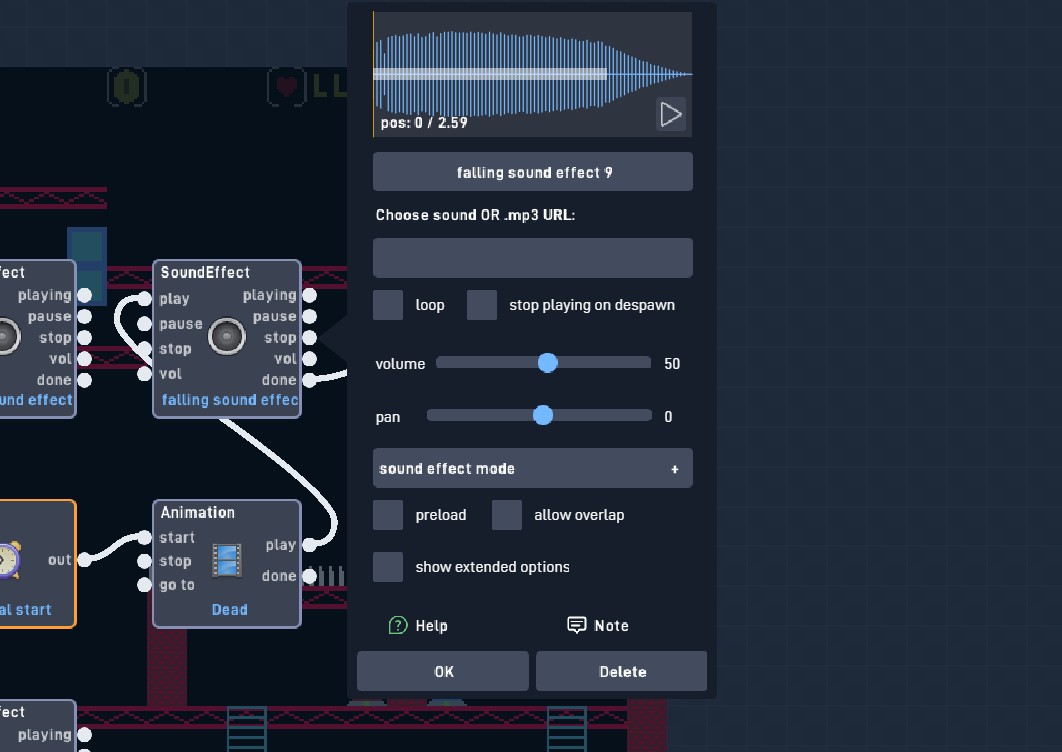
Attempting to open the behavior causes it to glitch out and start acting as if you are dragging the behavior around, even if you are not holding the primary mouse button. You can tell the glitch is happening because a black rectangle appears in the top left corner when it happens. Sometimes the behavior may even glitch out of bundles (though this is not shown in the video). This bug only happens with the new sound behaviors, not old ones, and it only happens once you’ve selected an audio file.
This buggy behavior doesn’t fix itself when reloading the page, reopening the browser (I’m using Chrome, by the way), or even restarting the computer. This happens with all the games I edit.
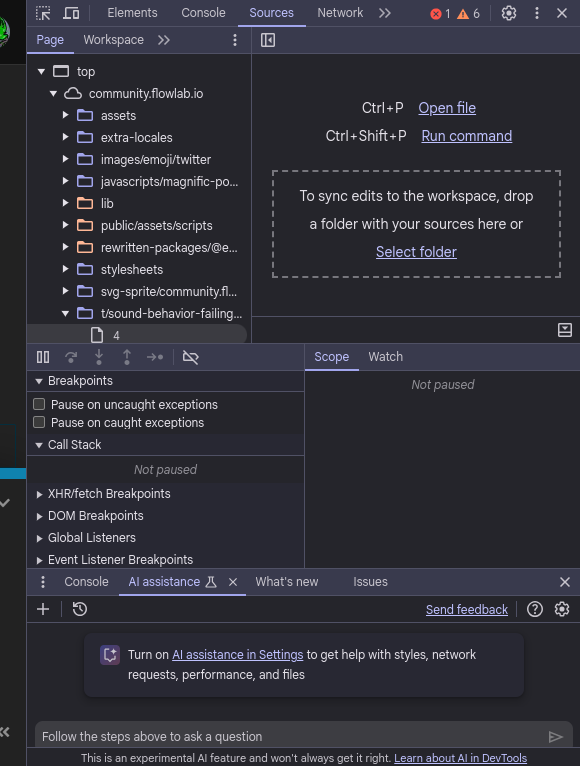
I remembered that when I encountered bugs like this before, there would be an error in the console saying what happened. So I did this and found that this error would appear when clicking on the Sound behavior:
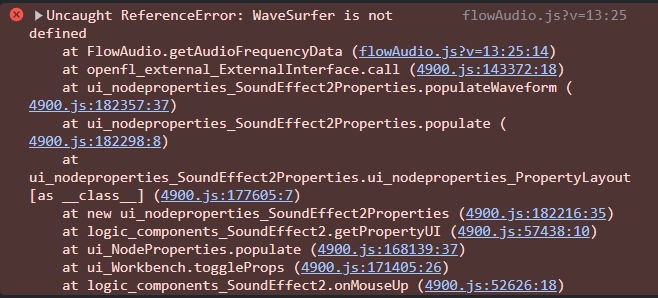
From the looks of it, it seems that the issue is that it’s failing to load the audio visualizer that appears after selecting an audio file. After a little more playing around, it seems the visualizer is glitched when you choose an audio file before clicking OK.
This bug started happening recently (about an hour ago, I would say), so I’m not sure if this is something wrong on my end. But I wanted to put it out there in case others were suffering the same problem and thus bring more attention to it. I may report the bug on the Discord server as well if it appears to be a recurring issue.
Thanks for taking a look at this!